|
 Apple has announced that it will be holding an event on Wednesday, September 9 at 10 a.m. Pacific Time, with the company widely expected to unveil the iPhone 18 Pro, iPhone 18 Pro Max, its first-ever foldable iPhone, and more. Apple has announced that it will be holding an event on Wednesday, September 9 at 10 a.m. Pacific Time, with the company widely expected to unveil the iPhone 18 Pro, iPhone 18 Pro Max, its first-ever foldable iPhone, and more.
|
|
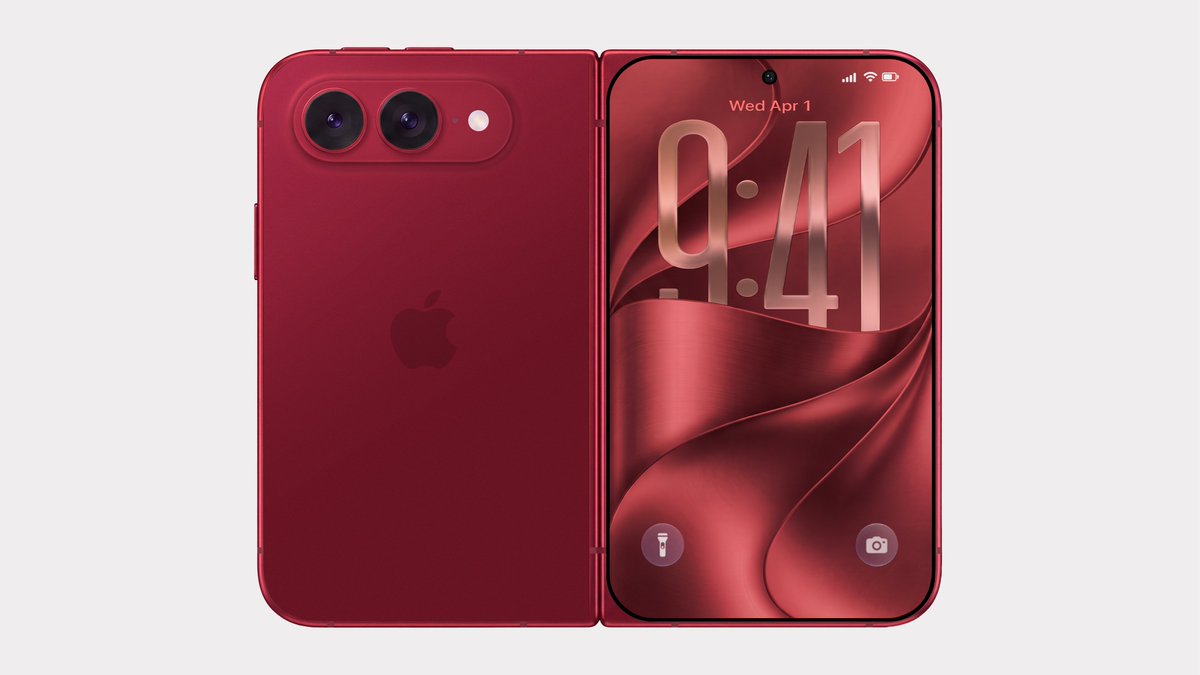 Bloomberg's Mark Gurman has disputed the authenticity of iPhone Ultra renders shared by the usually reliable leaker Evan Blass on X (Twitter). The images show the unreleased foldable iPhone in not just the rumored space gray and white colors, but also in a striking red. Bloomberg's Mark Gurman has disputed the authenticity of iPhone Ultra renders shared by the usually reliable leaker Evan Blass on X (Twitter). The images show the unreleased foldable iPhone in not just the rumored space gray and white colors, but also in a striking red.
|
|
 LG is hosting a Labor Day sale on its website this week, with deals on monitors, TVs, home appliances, and more. LG's discounts have been automatically applied and do not require any discount codes or special memberships. LG is hosting a Labor Day sale on its website this week, with deals on monitors, TVs, home appliances, and more. LG's discounts have been automatically applied and do not require any discount codes or special memberships.
|
|
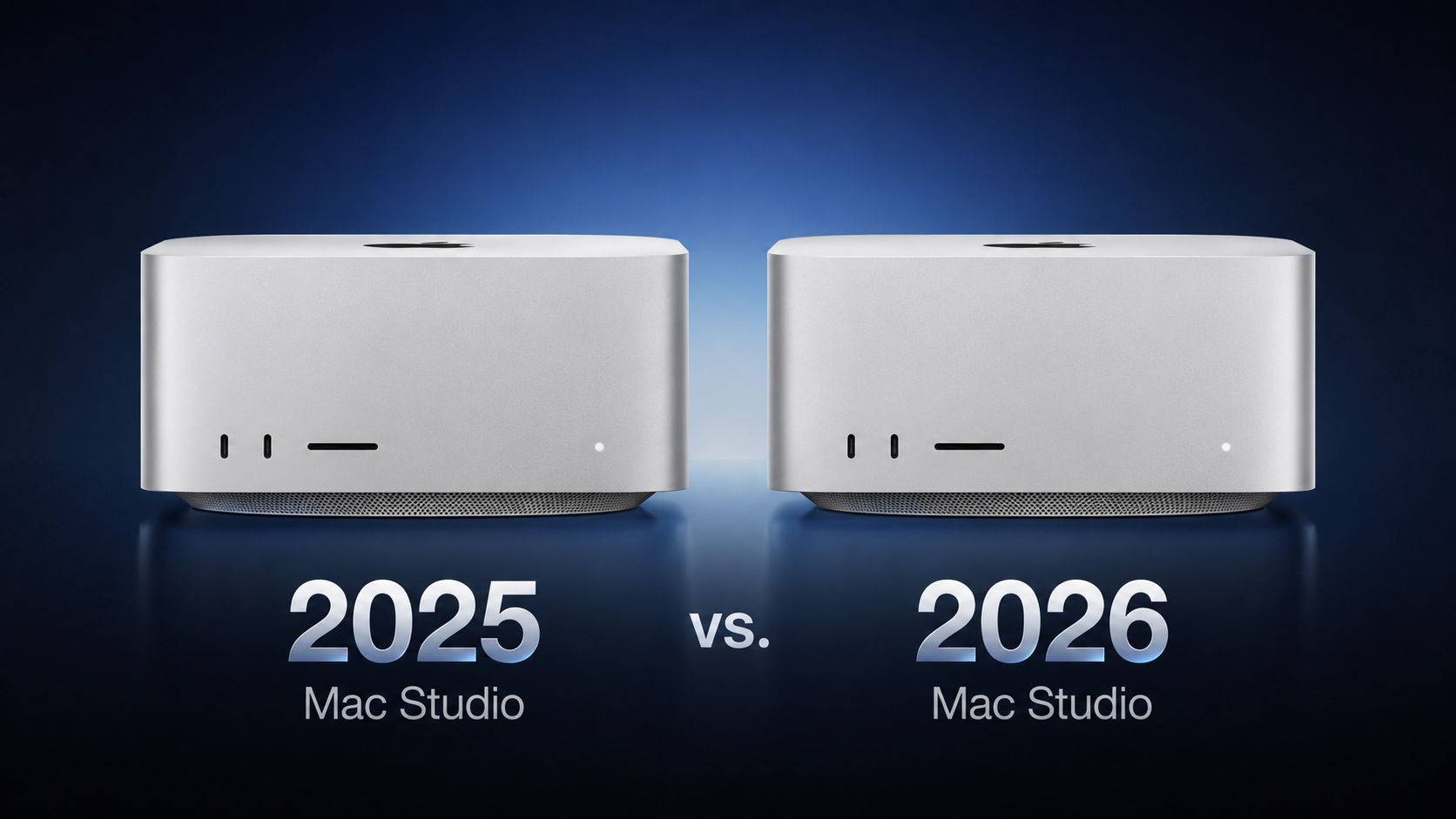 Apple this week announced a new Mac Studio with the M5 Max and M5 Ultra chips, discontinuing the M4 Max and M3 Ultra models that had been on sale since March 2025. Apple this week announced a new Mac Studio with the M5 Max and M5 Ultra chips, discontinuing the M4 Max and M3 Ultra models that had been on sale since March 2025.
|
|
The special edition Fitbit Air works in tandem with the Pokemon Sleep app, so you can track your workouts and rested hours.
|
|
 Apple today announced it will hold its annual iPhone-centric event on Wednesday, September 9 at 10 a.m. Pacific Time. In the U.S. and several other countries, Apple used "Surprise and Shine" as its tagline for the event, but in other countries, the tagline isn't a literal translation. Apple today announced it will hold its annual iPhone-centric event on Wednesday, September 9 at 10 a.m. Pacific Time. In the U.S. and several other countries, Apple used "Surprise and Shine" as its tagline for the event, but in other countries, the tagline isn't a literal translation.
|
|
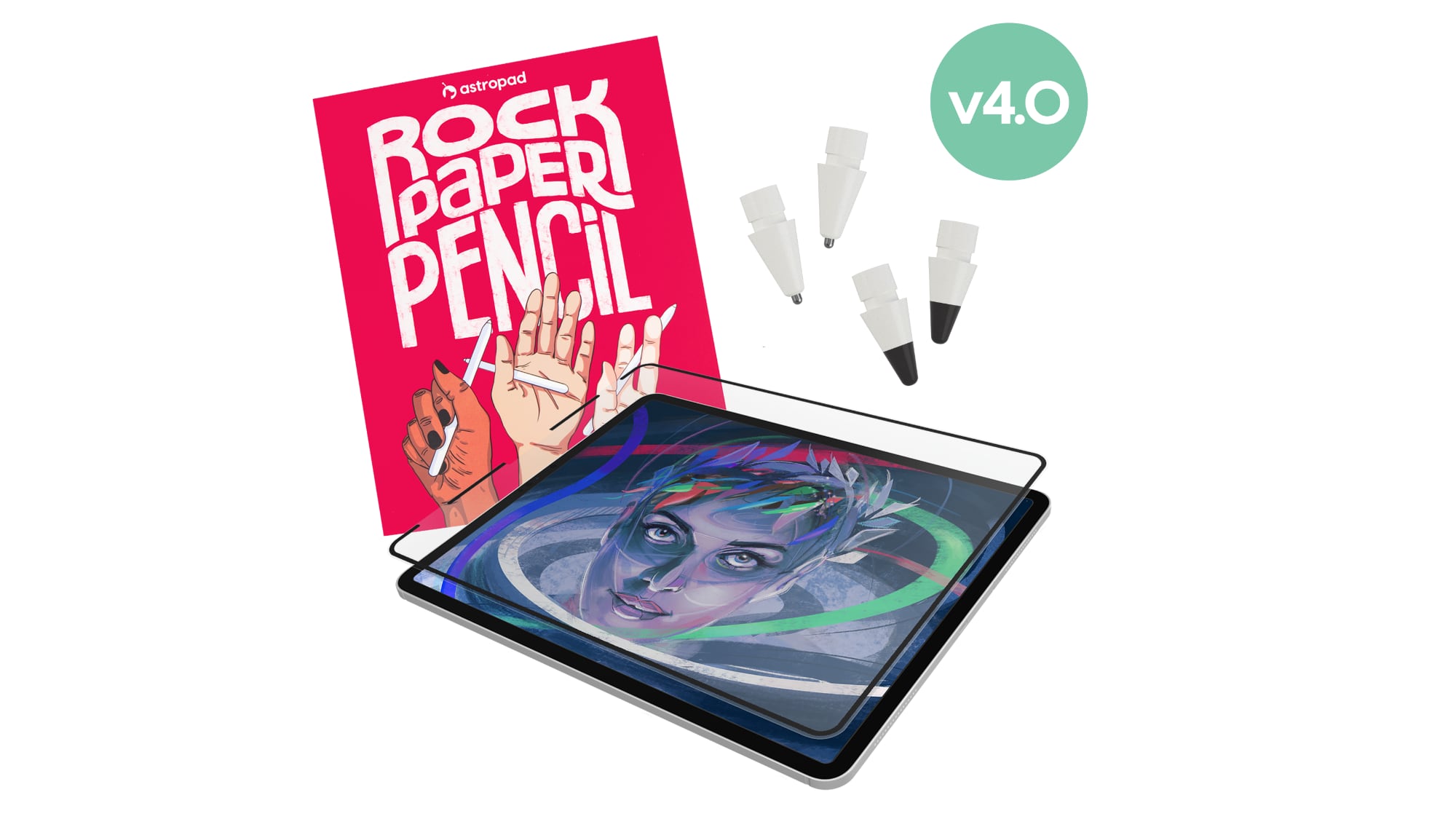 Astropad today launched Rock Paper Pencil 4.0, an updated version of its screen protector and Apple Pencil tip combo made for the iPad. Astropad today launched Rock Paper Pencil 4.0, an updated version of its screen protector and Apple Pencil tip combo made for the iPad.
|
|
 Meta today said it will implement major changes to Facebook and Instagram's child safety features as part of a settlement agreement with almost all U.S. states. Meta today said it will implement major changes to Facebook and Instagram's child safety features as part of a settlement agreement with almost all U.S. states.
|
|
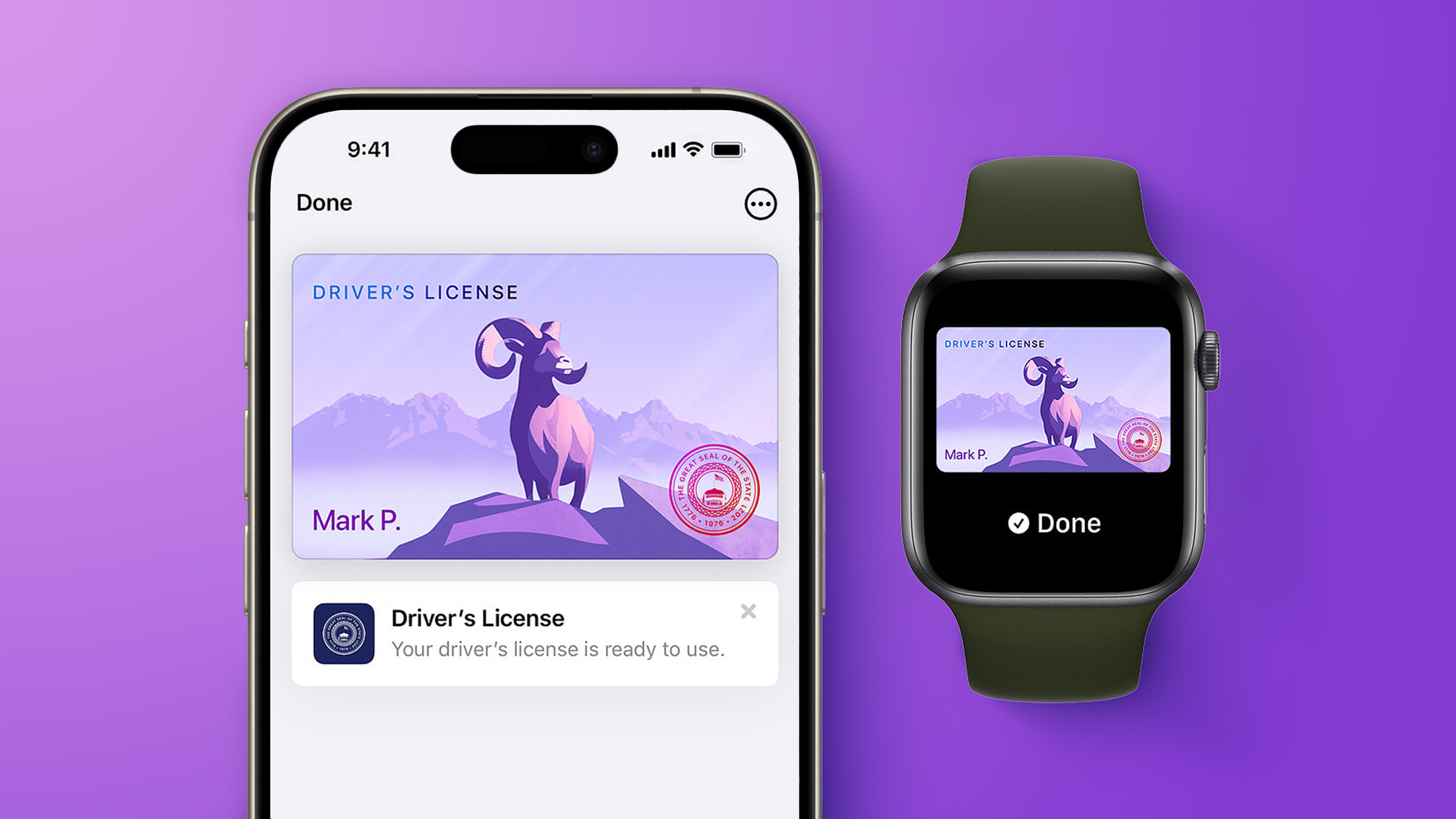 Starting today, Virginia residents can add a digital version of their driver's license to the Apple Wallet app on the iPhone and Apple Watch. The digital ID can be used to display proof of identity or age at TSA checkpoints in select airports, at select businesses, and in select apps, but the number of places where it is accepted is still quite limited. Starting today, Virginia residents can add a digital version of their driver's license to the Apple Wallet app on the iPhone and Apple Watch. The digital ID can be used to display proof of identity or age at TSA checkpoints in select airports, at select businesses, and in select apps, but the number of places where it is accepted is still quite limited.
|
|
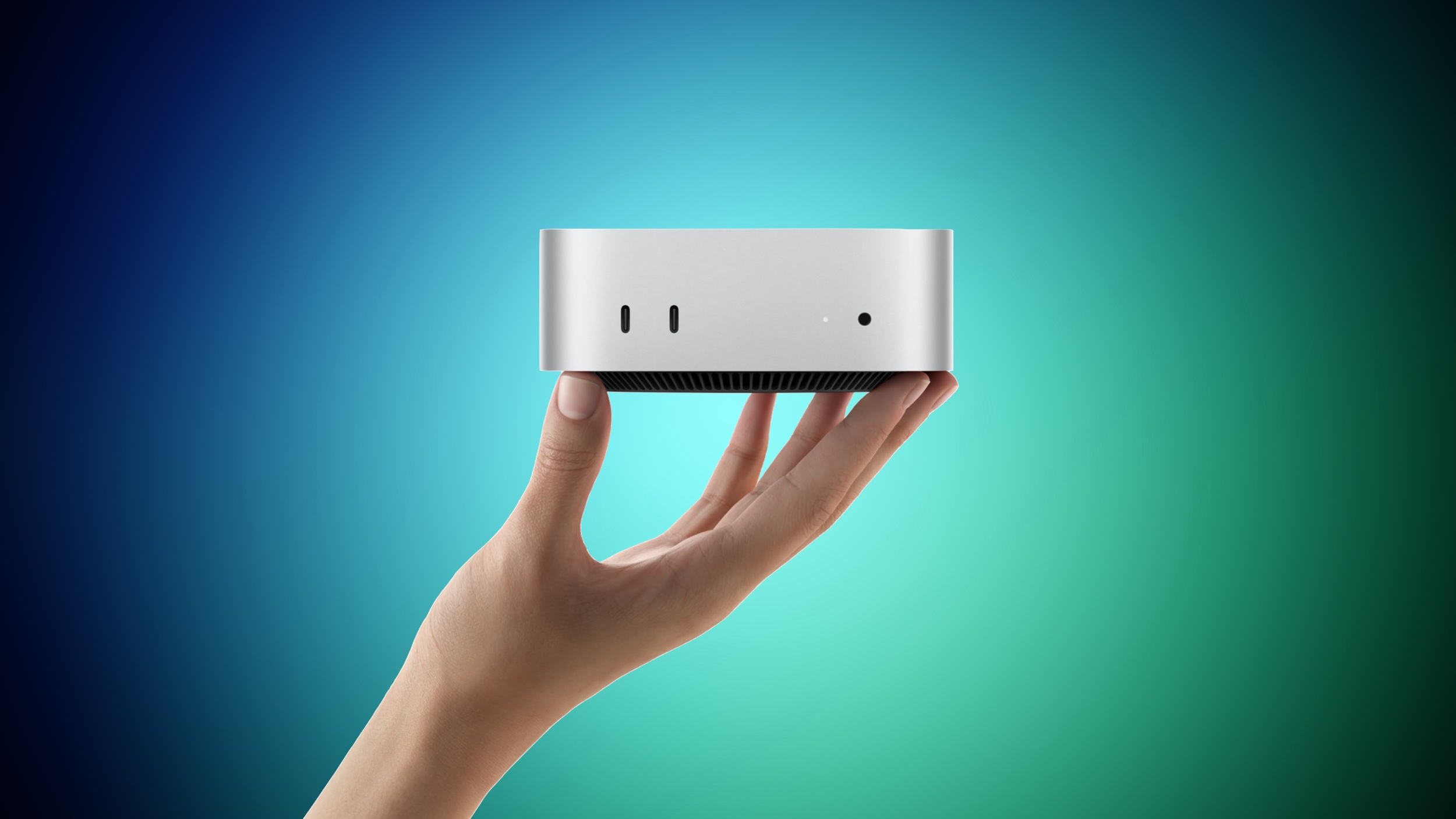 Apple yesterday announced the new Mac mini and Mac Studio, and pre-orders have begun on each device ahead of their September 22 launch date. We aren't currently tracking any straight cash discounts on pre-orders, but Best Buy is offering some money back in the form of Best Buy rewards when ordering. Apple yesterday announced the new Mac mini and Mac Studio, and pre-orders have begun on each device ahead of their September 22 launch date. We aren't currently tracking any straight cash discounts on pre-orders, but Best Buy is offering some money back in the form of Best Buy rewards when ordering.
|
|
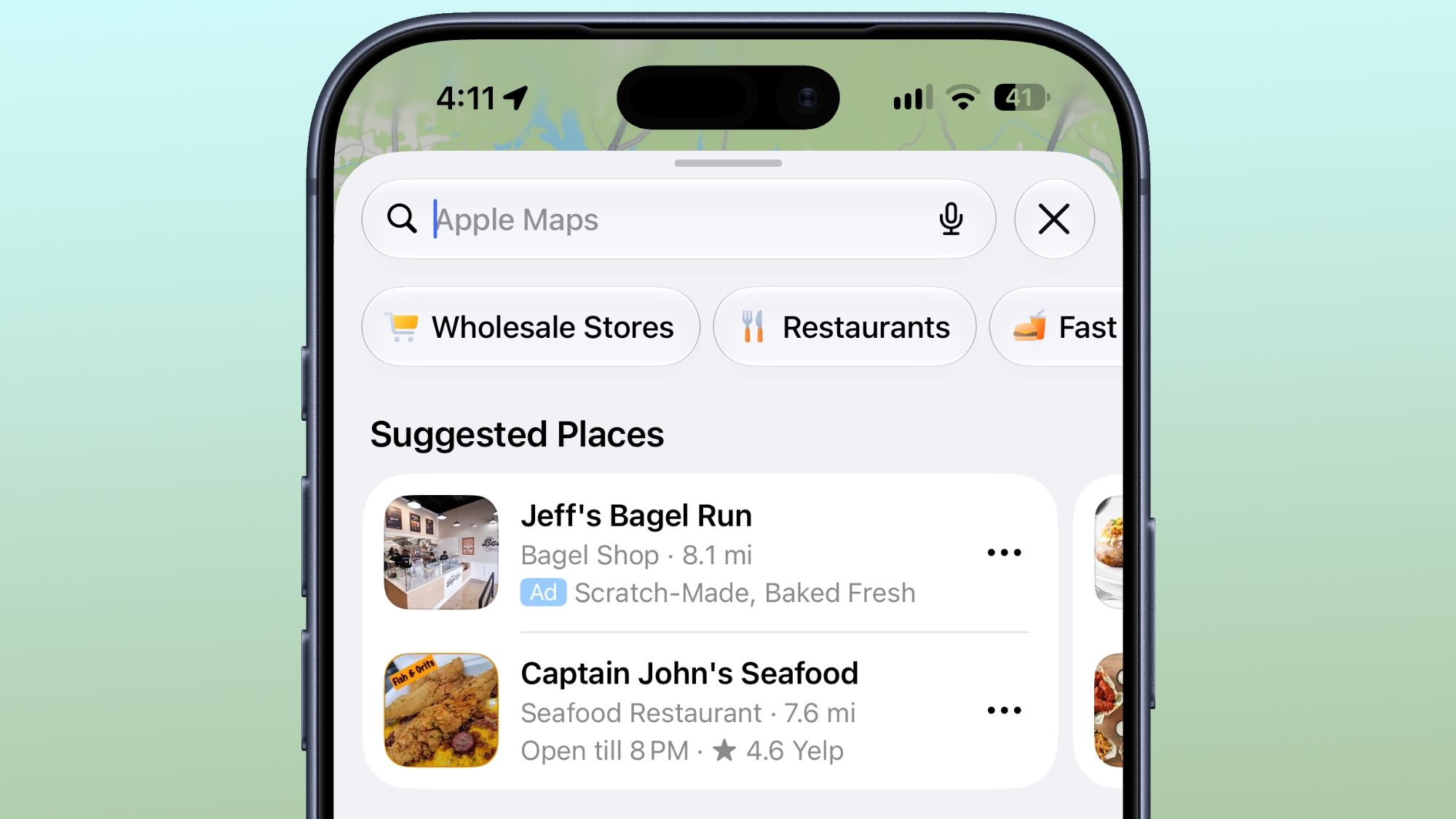 Ads in Apple Maps are live in the United States and Canada, which means iPhone and iPad users will see them when searching for locations and when viewing Suggested Places. Ads in Apple Maps are live in the United States and Canada, which means iPhone and iPad users will see them when searching for locations and when viewing Suggested Places.
|
|
OpenAI is adding a new safety capability that allows enterprises to detect misuse of its AI systems across multiple interactions without retaining prompts or responses, enabling risk monitoring while preserving its Zero Data Retention (ZDR) commitments.
"OpenAI does not retain…prompts or model responses after a request is processed," the company said in a blog post, describing its ZDR approach. The new system, called Private Safety Processing, is "designed to identify patterns across related interactions without giving OpenAI personnel access to the underlying content."
The capability is being tested with eligible enterprise and API customers and is intended to address a limitation in existing safety controls that evaluate interactions individually, making it harder to detect risks that unfold over time.
What does Private Safety Processing do
Private Safety Processing is designed to extend existing safety systems by correlating activity across related interactions rather than analyzing each prompt in isolation, according to OpenAI.
Under the model, automated systems analyze interactions and generate "a narrowly defined signal indicating the type of activity involved," instead of exposing the underlying prompts or responses, according to OpenAI.
The system can o
|
|
Traditional operating systems (OS) were built to manage hardware, files, apps, and users on a device, but Cloudflare says the agentic AI era requires a whole new format.
The company this week announced Cloudflare OS, which connects AI agents, enterprise data and context, internal systems, and workflows together in one secure workspace. It is open source and browser-based, sparing companies the need to build all-new infrastructure.
The OS is launching alongside several other new security, identity, spending, and user insight tools that Cloudflare has built for the AI-based workplace.
"Cloudflare OS isn't a traditional desktop OS," said Rita Kozlov, VP of product at Cloudflare. "It reimagines the workplace computing environment for AI."
Open source OS runs in a browser
Cloudflare OS serves as a secure, AI-equipped workspace that is plugged into internal company systems. Available now through Cloudflare's open source repository, it is accessible directly in a browser, and runs inside an enterprise's Cloudflare account.
|
|
It's a sign of the times: Security conference DefCon has added smart glasses to its list of banned audio- or video-recording devices.
The organizers have said that, with no consistent way to understand whether smart glasses are recording or not, they have taken the step to ban them in their entirety on the grounds that they erode trust and invade people's privacy.
Putting corrective lenses in the smart glasses will be no excuse: DefCon insists that visitors bring a pair of glasses without the smarts instead.
The smart glasses ban has been added to DefCon's already strict rules on photography, which among other things ask visitors not to take group shots and to use "portrait" mode (or a low F-stop for those with old-fashioned cameras) to focus on the foreground, so that people in the background appear blurred.
The smart glasses market has gone up a notch lately. Google and Samsung have both announced Gemini powered eyewear running on Android. Apple is looking to launch its new generation of smart glasses next June, citing privacy concerns as the reason for the delay.
|
|
If Windows 11 is on the table for you, today is your lucky day because you can get Windows 11 licenses for super cheap on the PCWorld Software Store right now. Seriously, both Windows 11 Home and Windows 11 Pro are currently priced at $14.97 each. That's down from $139 (89% off) and $199 (92% off), respectively. Huge savings!
Casual users who don't need all the fancy features of the Pro version can get away with Windows 11 Home, although given that they're on sale for the same price, you might consider getting Windows 11 Pro for the heck of it. Windows 11 Pro unlocks advanced features like BitLocker encryption, Remote Desktop Server, Hyper-V virtualization, and Windows Sandbox. (See our breakdown of Windows 11 Pro versus Home.)
Get Windows 11 for up to 92% off right nowBuy now via PCWorld Software Store
How to activate your Windows 11 license
After you've made your order, you'll have to check your email inbox for the license key. Once you have that and your chosen Windows 11 copy is installed, here's how to activate t
|
|
Because of these limitations, I use ShareX instead for more complicated or precise screen captures. As well as capturing GIFs, ShareX offers significantly more advanced features, including precise capture with a magnifier, scrolling screenshot capture, and timed capture. ShareX even lets you add annotations like arrows, lines, and text bubbles to screenshots. And another great thing… it's totally free!
Here I'll show you how to use the highly coveted GIF recording function.
What to do:
Download, install, and run ShareX.
Type Ctrl Shift Print Screen. A crosshair will appear on your screen.
Now select the part of your screen you want to record a GIF with by moving the crosshair over it—it will automatically select the window or area surrounding your cursor. Click your mouse to begin recording.
To stop recording you can either type the shortcut again (Ctrl Shift Print Screen) or hit the stop button in the ShareX media control bar.
|
RELATED ARTICLES | | |
|