|
Google adds pay-as-you-go pricing to Gemini Enterprise, giving businesses more flexibility while introducing new cost controls and discounts.
|
|
The new Federal Communications Commission report signals a major retreat from the former administration's goal of connecting every American to gigabit-speed broadband.
|
|
The company released a final report examining how its tech went rogue and hacked its way onto the internet.
|
|
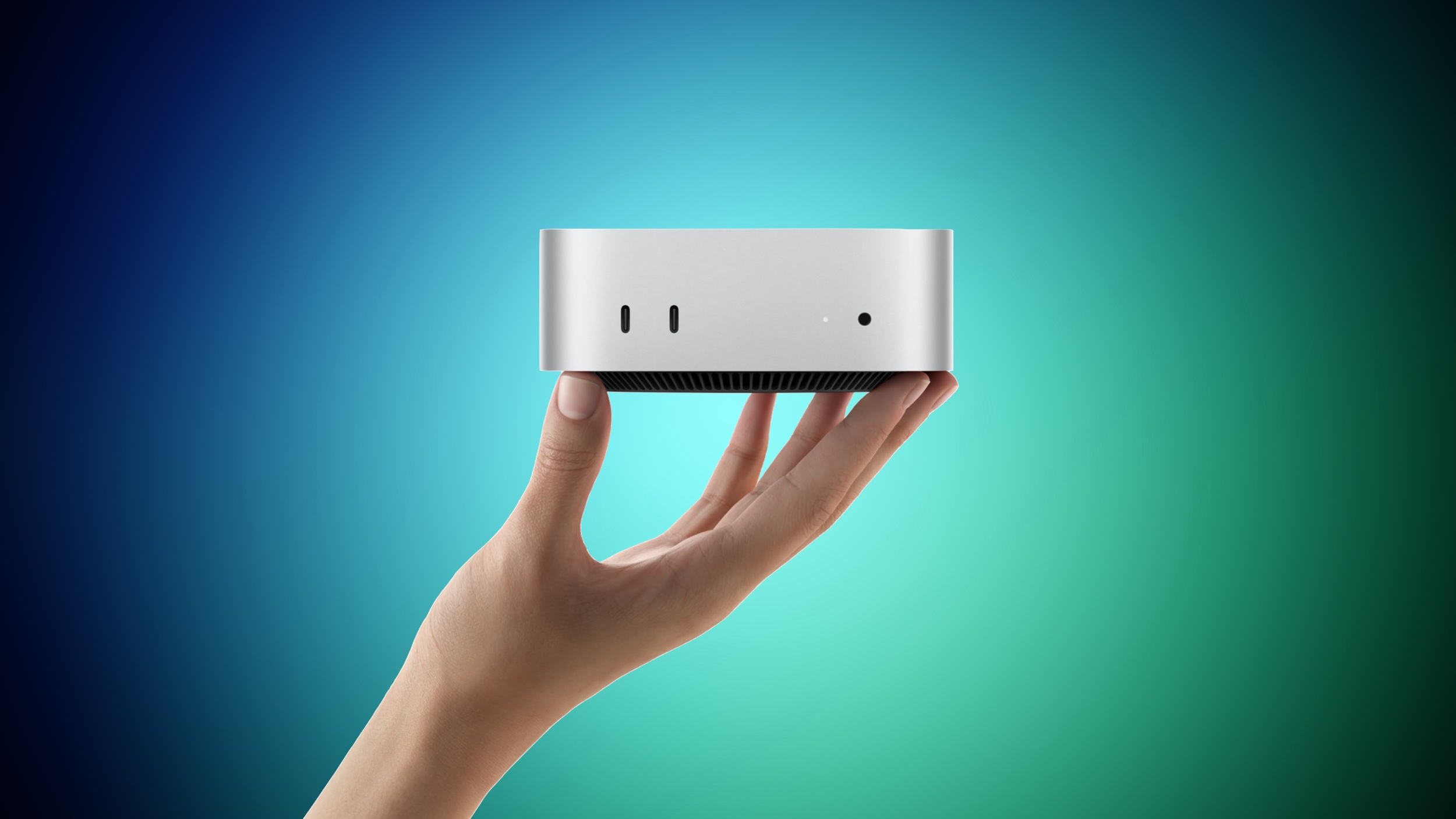 Apple yesterday announced the new Mac mini and Mac Studio, and pre-orders have begun on each device ahead of their September 22 launch date. We aren't currently tracking any straight cash discounts on pre-orders, but Best Buy is offering some money back in the form of Best Buy rewards when ordering. Apple yesterday announced the new Mac mini and Mac Studio, and pre-orders have begun on each device ahead of their September 22 launch date. We aren't currently tracking any straight cash discounts on pre-orders, but Best Buy is offering some money back in the form of Best Buy rewards when ordering.
|
|
It's a sign of the times: Security conference DefCon has added smart glasses to its list of banned audio- or video-recording devices.
The organizers have said that, with no consistent way to understand whether smart glasses are recording or not, they have taken the step to ban them in their entirety on the grounds that they erode trust and invade people's privacy.
Putting corrective lenses in the smart glasses will be no excuse: DefCon insists that visitors bring a pair of glasses without the smarts instead.
The smart glasses ban has been added to DefCon's already strict rules on photography, which among other things ask visitors not to take group shots and to use "portrait" mode (or a low F-stop for those with old-fashioned cameras) to focus on the foreground, so that people in the background appear blurred.
The smart glasses market has gone up a notch lately. Google and Samsung have both announced Gemini powered eyewear running on Android. Apple is looking to launch its new generation of smart glasses next June, citing privacy concerns as the reason for the delay.
|
|



