|
 Apple has announced that it will be holding an event on Wednesday, September 9 at 10 a.m. Pacific Time, with the company widely expected to unveil the iPhone 18 Pro, iPhone 18 Pro Max, its first-ever foldable iPhone, and more. Apple has announced that it will be holding an event on Wednesday, September 9 at 10 a.m. Pacific Time, with the company widely expected to unveil the iPhone 18 Pro, iPhone 18 Pro Max, its first-ever foldable iPhone, and more.
|
|
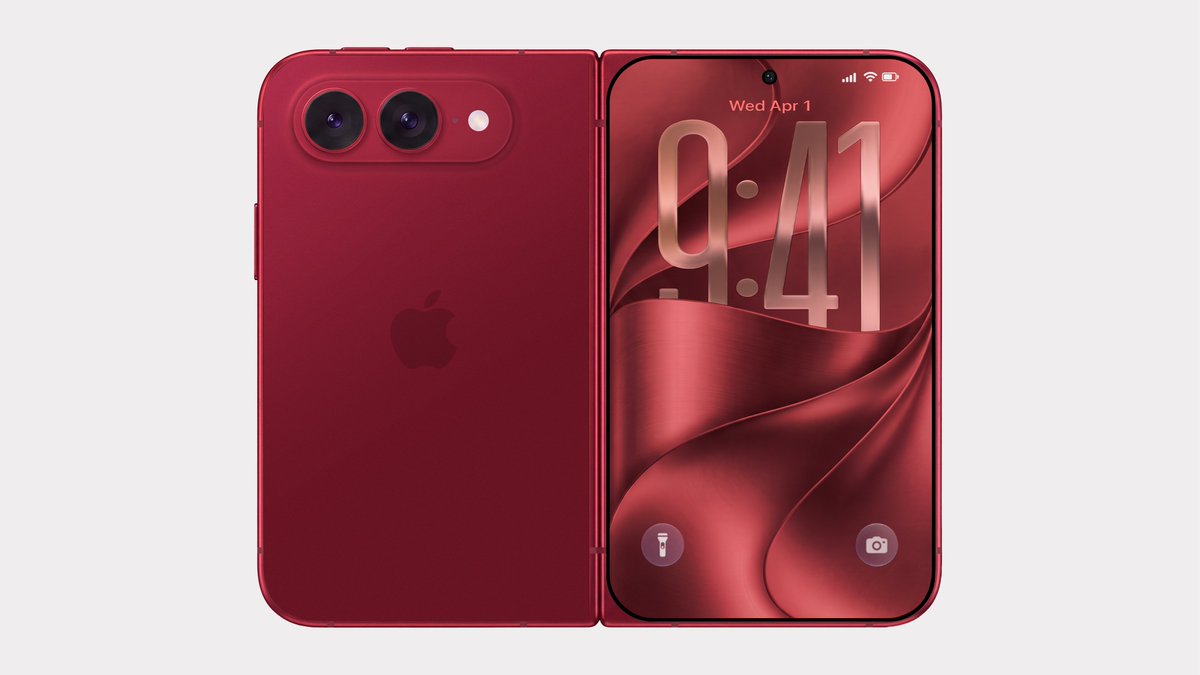 Bloomberg's Mark Gurman has disputed the authenticity of iPhone Ultra renders shared by the usually reliable leaker Evan Blass on X (Twitter). The images show the unreleased foldable iPhone in not just the rumored space gray and white colors, but also in a striking red. Bloomberg's Mark Gurman has disputed the authenticity of iPhone Ultra renders shared by the usually reliable leaker Evan Blass on X (Twitter). The images show the unreleased foldable iPhone in not just the rumored space gray and white colors, but also in a striking red.
|
|
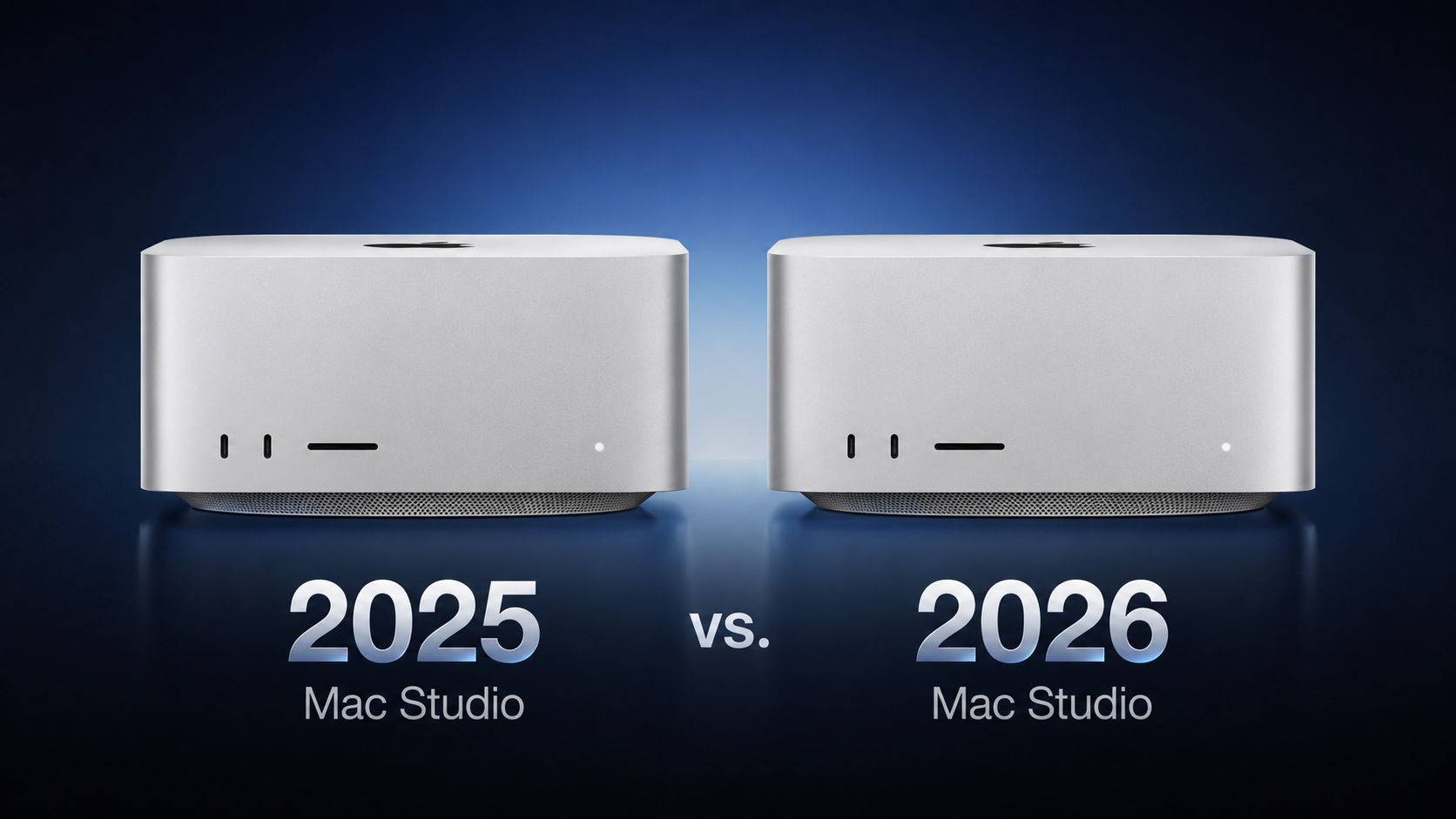 Apple this week announced a new Mac Studio with the M5 Max and M5 Ultra chips, discontinuing the M4 Max and M3 Ultra models that had been on sale since March 2025. Apple this week announced a new Mac Studio with the M5 Max and M5 Ultra chips, discontinuing the M4 Max and M3 Ultra models that had been on sale since March 2025.
|
|
 Apple today announced it will hold its annual iPhone-centric event on Wednesday, September 9 at 10 a.m. Pacific Time. In the U.S. and several other countries, Apple used "Surprise and Shine" as its tagline for the event, but in other countries, the tagline isn't a literal translation. Apple today announced it will hold its annual iPhone-centric event on Wednesday, September 9 at 10 a.m. Pacific Time. In the U.S. and several other countries, Apple used "Surprise and Shine" as its tagline for the event, but in other countries, the tagline isn't a literal translation.
|
|
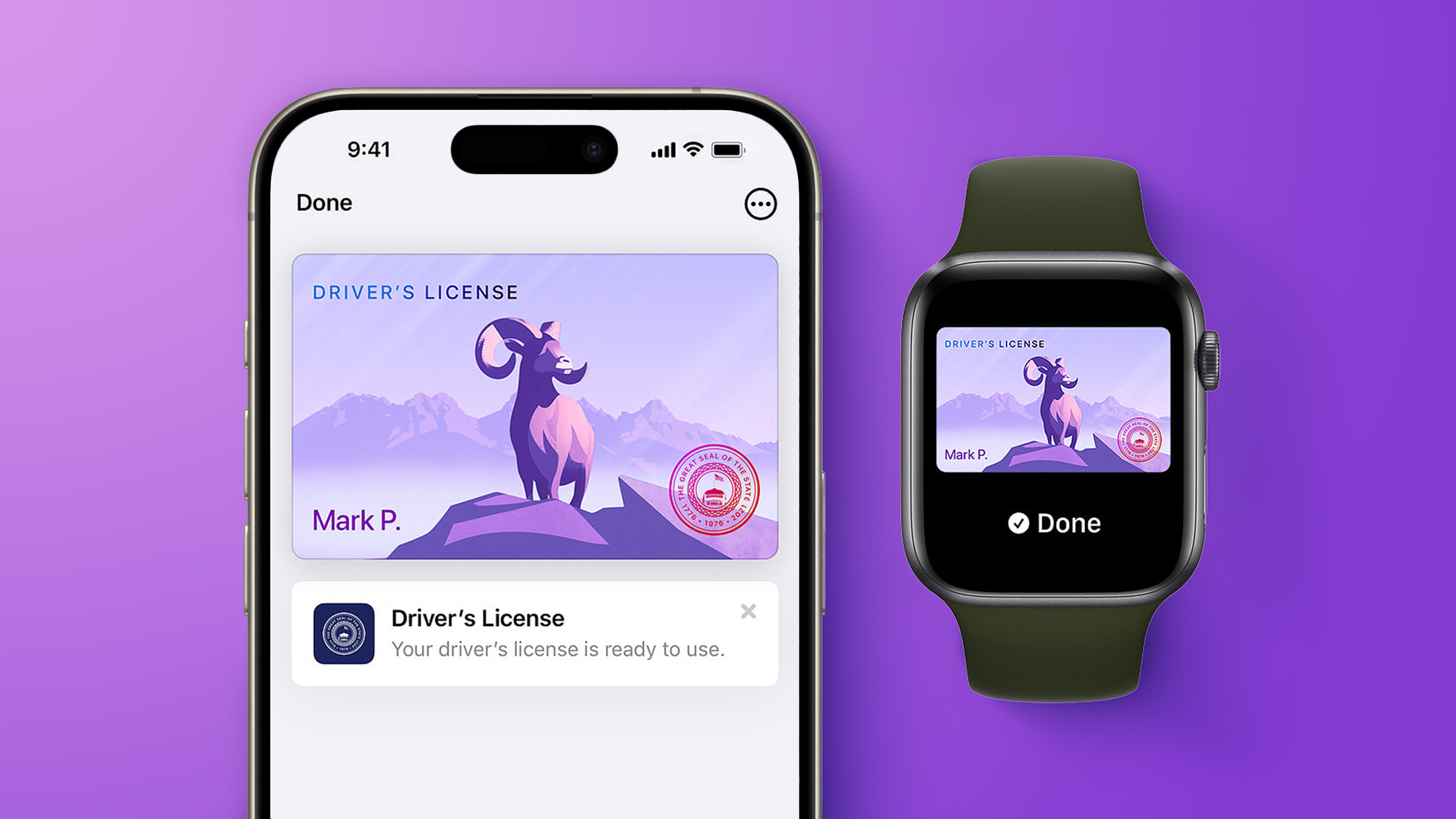 Starting today, Virginia residents can add a digital version of their driver's license to the Apple Wallet app on the iPhone and Apple Watch. The digital ID can be used to display proof of identity or age at TSA checkpoints in select airports, at select businesses, and in select apps, but the number of places where it is accepted is still quite limited. Starting today, Virginia residents can add a digital version of their driver's license to the Apple Wallet app on the iPhone and Apple Watch. The digital ID can be used to display proof of identity or age at TSA checkpoints in select airports, at select businesses, and in select apps, but the number of places where it is accepted is still quite limited.
|
|
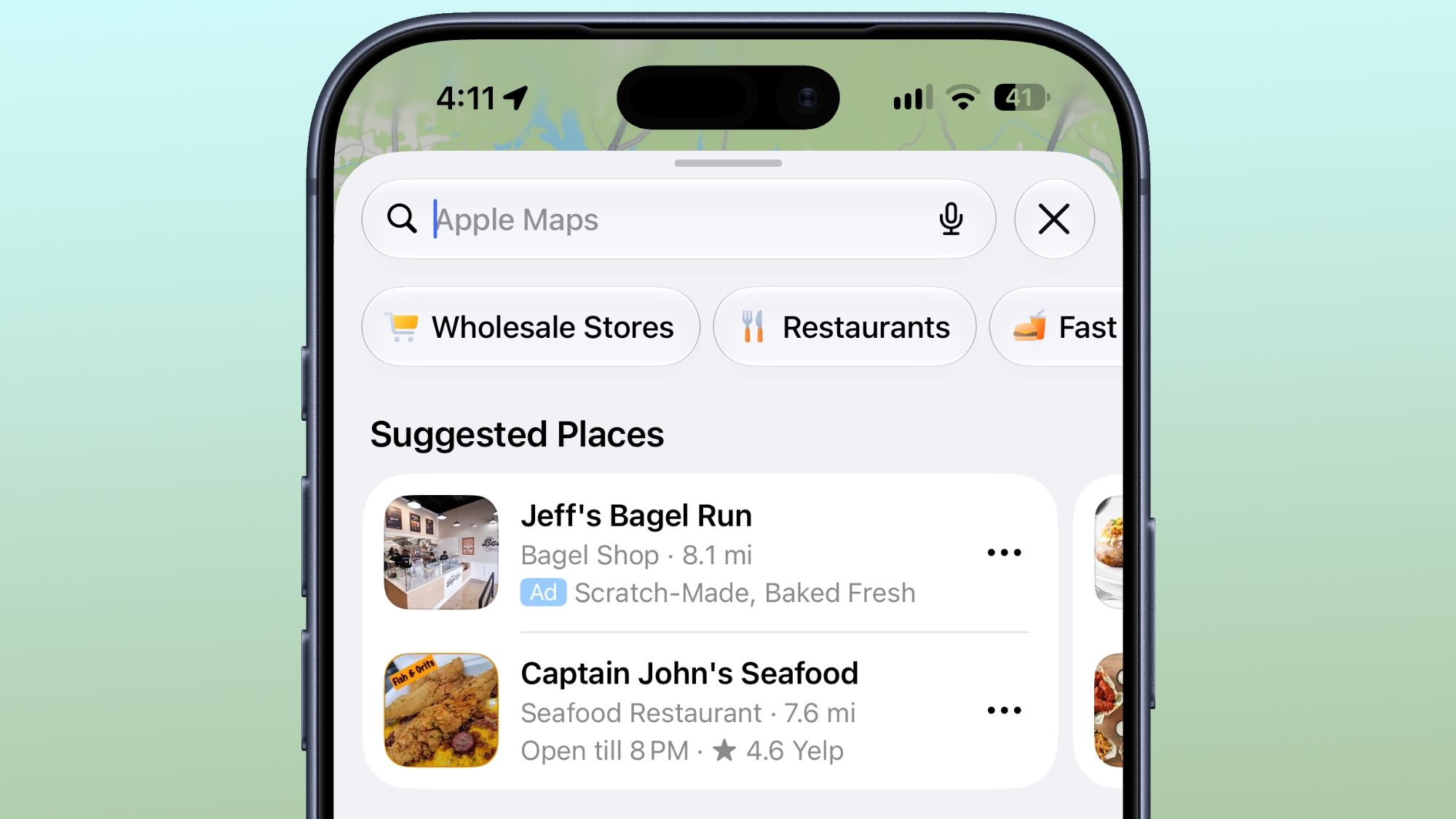 Ads in Apple Maps are live in the United States and Canada, which means iPhone and iPad users will see them when searching for locations and when viewing Suggested Places. Ads in Apple Maps are live in the United States and Canada, which means iPhone and iPad users will see them when searching for locations and when viewing Suggested Places.
|
|



